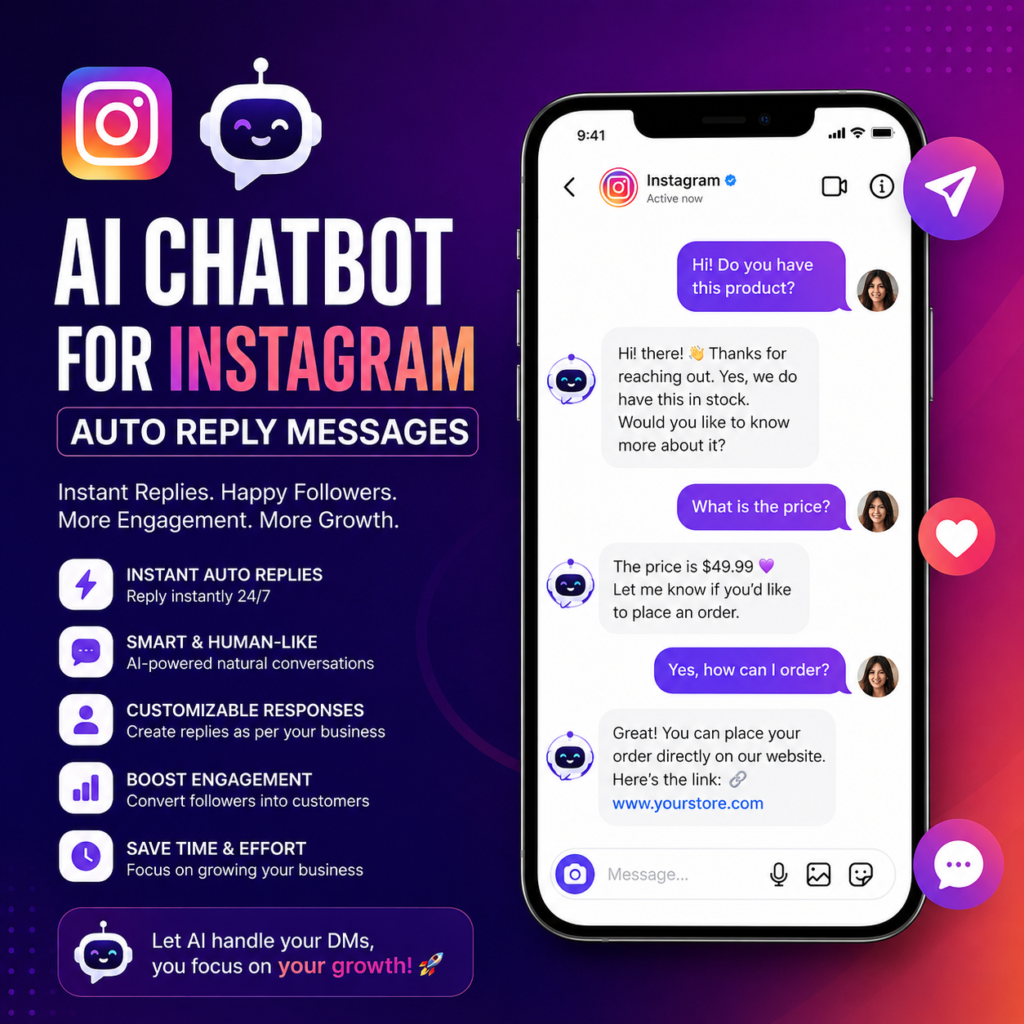
If you run an Instagram business account, you already know the struggle. Every day, dozens—maybe hundreds—of direct messages flood your inbox. Customers ask about prices, shipping times, return policies, product availability, and collaboration opportunities. You want to reply to everyone personally, but there are only so many hours in a day.AI Chatbot for Instagram Auto Reply Messages
That is where an AI chatbot for Instagram auto reply messages changes everything. This technology lets you automate responses to common questions, qualify leads while you sleep, and keep your audience engaged without burning out your team.
But here is the truth. Not all chatbots work the same way. Some frustrate customers. Others feel so natural that people never realize they are talking to a machine. The difference comes down to how you set up your system, what tools you choose, and whether you understand the limits of automation.
This guide walks you through everything you need to know. You will learn what an Instagram AI chatbot can do, how to pick the right platform, what setup mistakes to avoid, and how to balance automation with human connection.
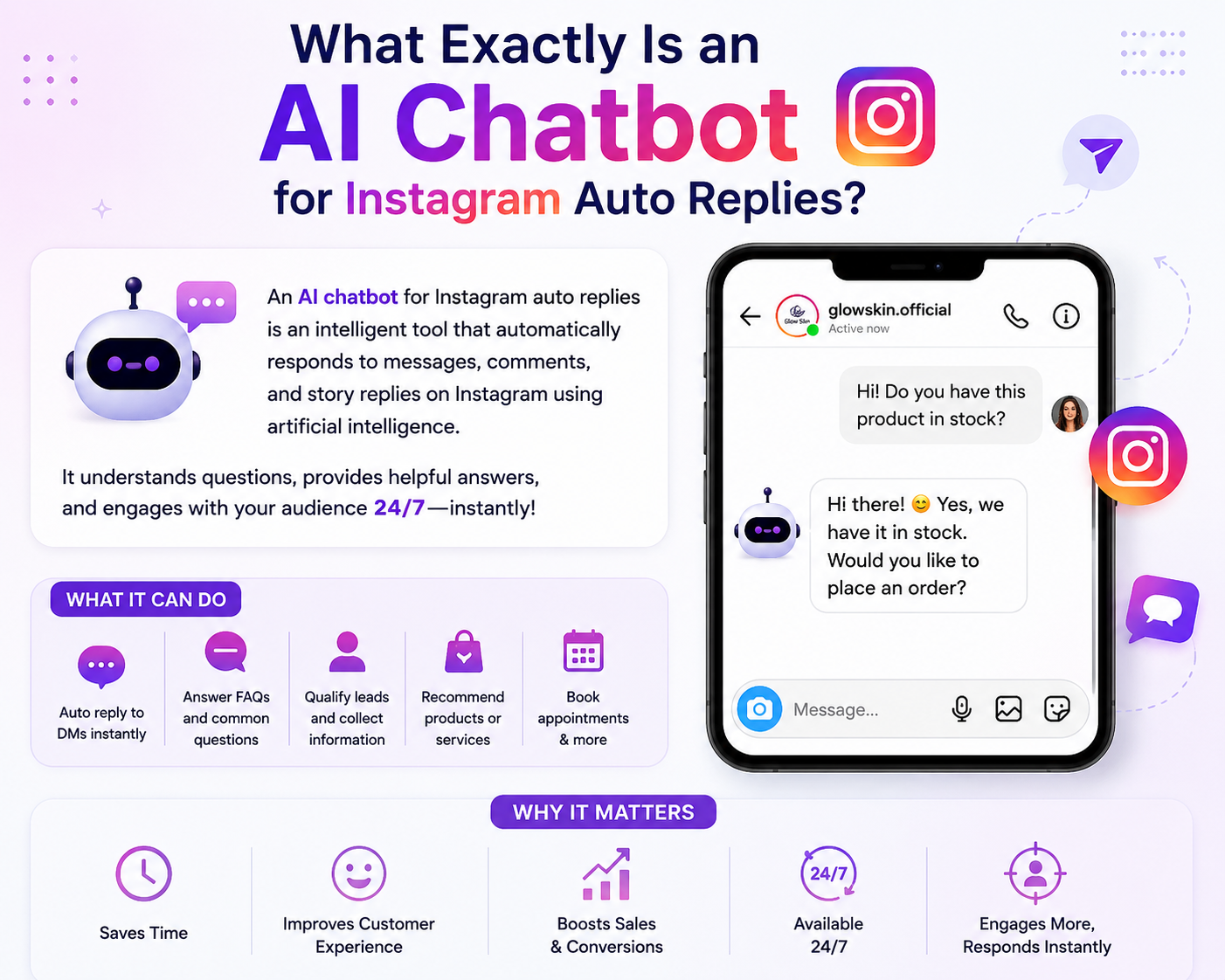
What Exactly Is an AI Chatbot for Instagram Auto Replies?
Let us start with a clear definition. An AI chatbot for Instagram auto reply messages is a software tool that connects to your Instagram business account through Meta’s official API. It monitors incoming direct messages in real time, analyzes the text of each message, and generates an appropriate response automatically.
Unlike old-school autoresponders that trigger a fixed message when someone types a specific keyword, modern AI chatbots use natural language processing. They understand intent, context, and even subtle variations in how people phrase things.
For example, a basic keyword bot might only reply to the exact phrase “shipping cost.” An AI chatbot understands “How much to ship to Texas?” “What do you charge for delivery?” and “Shipping price?” as the same question.
This flexibility makes AI chatbots vastly more useful for real conversations.
Why Instagram Users Need Automated Messaging
Instagram has quietly become one of the most important customer service channels for small and medium businesses. A 2023 survey found that over 60 percent of Instagram users have sent a direct message to a business. Among users under 30, that number climbs to nearly 80 percent.
The problem is that most businesses cannot keep up.
A single person can realistically handle about 50 to 100 customer messages per day before quality starts to drop. If your account has 10,000 followers, you might receive 200 to 500 DMs daily during a product launch or sale. Replying to every message personally would take four to six hours each day.
That is where an AI chatbot becomes not just a nice-to-have but a necessity.
Here are the most common reasons businesses install an Instagram auto reply chatbot:
Frequently asked questions. Most businesses receive the same five to ten questions over and over. A chatbot answers these instantly, every time, without variation.
Lead qualification. If you sell high-ticket products or services, a chatbot can ask screening questions—budget, timeline, needs—and send only qualified leads to your sales team.
After-hours support. Your customers message you at 11 PM on a Saturday. A chatbot replies immediately, even when your team is offline.
Order status and tracking. Chatbots can pull information from your ecommerce platform and tell customers exactly where their package is.
Appointment booking. Service-based businesses use chatbots to check availability and schedule appointments without any human intervention.
How AI Chatbots for Instagram Actually Work
Under the hood, these tools rely on large language models similar to what powers ChatGPT. When a customer sends a message, the chatbot converts that message into text, processes it through the AI model, and generates a reply based on your predefined instructions.
You control what the bot says by giving it a set of rules and information. Most platforms let you upload:
- Your product catalog or service menu
- Your shipping and return policies
- Your pricing list
- Your brand voice guidelines (formal, casual, humorous, etc.)
- Your hours of operation
- Your escalation rules (when to transfer to a human)
The AI uses this information to craft replies that are relevant, accurate, and consistent with your brand.
Some advanced chatbots also remember past conversations with the same user. If a customer asks about a product one day and returns the next day to ask about payment, the bot can connect those two interactions without starting from scratch.
Key Features to Look For in an Instagram Auto Reply Chatbot
Not every tool offers the same capabilities. As you evaluate different platforms, pay attention to these features.
Natural language understanding. The bot should handle typos, slang, and varied phrasing without breaking. If it only replies to exact keywords, keep looking.
Multi-language support. If your audience speaks multiple languages, you need a chatbot that detects the incoming language and replies in the same one.
Human handoff. When the bot encounters a question it cannot answer, it must be able to transfer the conversation to a live human without losing context.
Analytics dashboard. You need to know what people are asking, how many conversations the bot handled, and how often it failed. Good analytics help you improve your setup over time.
Approval workflows. For sensitive replies, you might want the bot to draft an answer and wait for a human to approve it before sending.
Escalation triggers. You should be able to set rules like “if the customer says ‘talk to a person’ three times, escalate immediately” or “if the customer mentions a legal issue, flag for human review.”
Integration with your other tools. The best chatbots connect to your CRM, email marketing platform, ecommerce backend, or help desk software.
Step-by-Step Setup Guide
Setting up an AI chatbot for Instagram auto reply messages takes about two to three hours if you prepare properly. Here is the process.
Step One: Convert to a Professional Account
Your personal Instagram profile cannot use automated messaging tools. You need a Business or Creator account. Switch in your Instagram settings under Account Type and Tools.
Step Two: Connect to Meta Business Suite
Most chatbot tools require you to connect your Instagram account through Meta Business Suite. You will need to create a Facebook Business Page if you do not already have one, then link your Instagram account to that page.
Step Three: Choose a Platform
There are dozens of Instagram chatbot tools available. Some popular options include ManyChat, MobileMonkey, ChatFuel, and respond.io. Each has different pricing and features. Many offer free trials, so test two or three before committing.
Step Four: Upload Your Knowledge Base
This is the most important step. Feed your chatbot everything it needs to know. Create documents that cover:
- Your top 20 most common customer questions
- The exact answers you want to give
- What to say when you do not know the answer
- How to handle complaints or angry customers
- Your brand voice examples
- The more detail you provide, the better the bot performs.
- Step Five: Define Your Conversation Flows
- Even with AI, you should map out the main paths a conversation might take. For an online store, typical flows include product inquiry, pricing question, shipping check, return request, and complaint handling.
- For each flow, decide what questions the bot should ask and what information it needs to collect before sending the customer on their way or handing off to a human.
- Step Six: Test Extensively
- Before going live, test your chatbot with dozens of sample messages. Write messages the way real customers write—with typos, missing punctuation, and vague phrasing. See where the bot succeeds and where it fails. Adjust your training data accordingly.
- Step Seven: Launch and Monitor
- Start with the chatbot handling messages during off-hours only. Watch how it performs for a few days. Then gradually expand its hours until it is handling all first responses. Keep monitoring the analytics. The best setups require ongoing tweaking.
- Common Mistakes Businesses Make
- I have seen plenty of businesses install an Instagram auto reply chatbot and then wonder why customers get frustrated. Here are the most frequent errors.
- Over-automation. Trying to let the bot handle every single conversation, including complex complaints or sensitive issues. Some things need a human touch.
- Under-training. Feeding the bot incomplete or outdated information. If your shipping policy changes and you forget to update the bot, it will give wrong answers.
- No personality. Programming the bot to sound like a sterile FAQ page. Customers can tell. Give your bot a voice that matches your brand.
- Forgetting about context switching. A customer might ask about a product, then about payment, then about shipping. The bot needs to follow that thread without getting confused.
- No human backup. When the bot fails, there is no fallback. Customers are left in an endless loop of useless replies.
- Ignoring analytics. The data from your chatbot tells you exactly where customers get stuck. If you never look at it, you will never improve.
- Real-World Examples
- Let me give you three scenarios where an AI chatbot for Instagram auto reply messages delivers clear value.
- Example One: Ecommerce Fashion Brand
- A clothing store with 50,000 Instagram followers receives 300 DMs per day. Most ask about sizing, fabric, shipping times, and returns. The chatbot answers sizing questions using the brand’s size chart. It checks real-time inventory to confirm if an item is in stock. For returns, it sends a prepaid label link. Only customers with complex fit issues or damaged items get routed to a human. The brand reduces response time from 12 hours to 30 seconds and frees up two staff members for other tasks.
- Example Two: Local Service Business
- An electrician uses Instagram to attract residential customers. His chatbot asks: “What type of electrical issue are you having?” Based on the answer, it asks for the customer’s address and availability. It then checks the electrician’s calendar and offers three appointment slots. The customer confirms, and the chatbot adds the appointment to the electrician’s schedule. No phone tag. No back-and-forth messaging. The electrician closes three extra jobs per week just from automated DMs.
- Example Three: Content Creator
- A fitness influencer with paid workout plans uses a chatbot to sell. When someone DMs “workout plan,” the bot asks about fitness level, goals, and available equipment. It then recommends one of three plans, answers questions about price and format, and sends a purchase link. The influencer only steps in if someone asks for a custom plan or has a billing issue. The chatbot handles 90 percent of sales conversations automatically.
- The Human Element: When to Turn Off the Bot
- Here is something that tool developers do not like to talk about. An AI chatbot for Instagram auto reply messages is not the right solution for every account.
- If you run a small account with strong personal connections to your audience—like a local artist, a therapist, a life coach, or a very small boutique—automated replies might hurt more than they help. Your followers message you because they want YOU. They want the specific, human, imperfect interaction that comes from a real person typing back.
- In those cases, turning on a chatbot signals that you are too busy for them. Even if that is true, it feels bad.
- For most businesses, the smart move is to use the chatbot for first replies and initial triage, then have a real human take over once a conversation gets beyond simple Q&A. The bot buys your team time. It does not replace them.
- Also, always let customers know they are talking to a bot. A simple message at the start of the conversation—“You are chatting with our AI assistant. Say ‘talk to a human’ anytime to reach our team.”—sets clear expectations and prevents frustration.
- Measuring Success
- How do you know if your Instagram auto reply chatbot is actually helping? Track these metrics before and after implementation.
- Average response time. This should drop dramatically. Most chatbots reply within one to two seconds.
- First-contact resolution rate. What percentage of conversations end without needing a human? Good chatbots achieve 60 to 80 percent.
- Customer satisfaction score. Survey a sample of customers who chatted with the bot. Anything below 4 out of 5 stars needs improvement.
- Time saved for human agents. Calculate how many hours your team spends on messages that a bot could handle.
- Sales or bookings attributed to chatbot conversations. Many platforms let you tag messages that led to a purchase or appointment.
- Privacy and Platform Rules
- You need to understand Instagram’s rules about automation. Meta allows approved third-party tools to send auto replies through their API. However, you cannot:
- Send unsolicited promotional messages
- Use chatbots to scrape user data without permission
- Pretend your bot is a real person after being asked directly
- Send more messages than Instagram’s rate limits allow
- Also, be careful with customer data. Your chatbot platform will store conversation histories. Read their privacy policy. Know whether they use your conversations to train their AI models. Some platforms do this by default. If you handle sensitive customer information, look for a tool that offers data isolation.
- Future Trends
- This technology is evolving fast. Here is what is coming in the next one to two years.
- Multimodal chatbots. Soon, your Instagram chatbot will not just read text. It will analyze images customers send—like a photo of a damaged product—and handle that request automatically.
- Voice messaging support. Instagram now supports voice notes. Newer chatbots can transcribe voice messages, understand the spoken content, and reply appropriately, either by text or with a generated voice note.
- Proactive engagement. Instead of waiting for customers to message first, future chatbots might initiate conversations based on user behavior, like someone spending a long time viewing a particular product on your Instagram shop.
- Tighter ecommerce integration. Chatbots will one day complete purchases entirely within the DM thread. A customer will say “I want the blue sweater in medium” and the bot will process payment and confirm shipping without ever sending them to a website.
- Final Thoughts
- An AI chatbot for Instagram auto reply messages is not magic. It is a tool. Used well, it saves you hours every day, answers your customers instantly, and grows your business while you focus on higher-value work. Used poorly, it annoys your audience and makes your brand feel like a faceless corporation.
- Start small. Train your bot thoroughly. Monitor its performance. Keep the human handoff option obvious and easy. And never forget that behind every message is a real person who chose to reach out to you.
- That is the whole point. The chatbot handles the repetition so you can handle the relationship.
- Now go set up your bot. Your DMs are waiting.
Final Thoughts
An AI chatbot for Instagram auto reply messages is not magic. It is a tool. Used well, it saves you hours every day, answers your customers instantly, and grows your business while you focus on higher-value work. Used poorly, it annoys your audience and makes your brand feel like a faceless corporation.
Start small. Train your bot thoroughly. Monitor its performance. Keep the human handoff option obvious and easy. And never forget that behind every message is a real person who chose to reach out to you.
That is the whole point. The chatbot handles the repetition so you can handle the relationship.
Now go set up your bot. Your DMs are waiting.